Search Tips
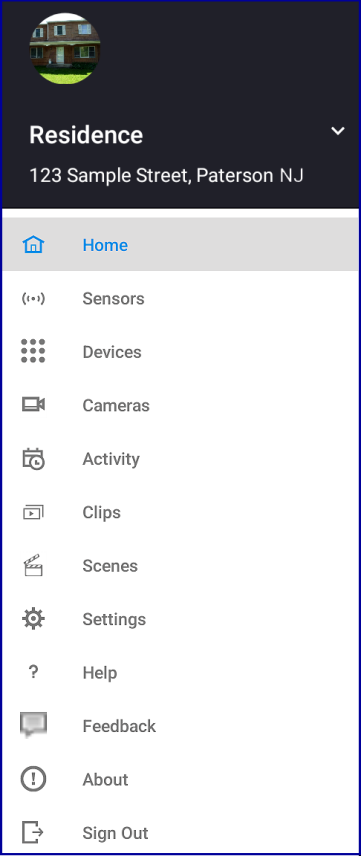
What if I can't find the feature I want on the Android app?
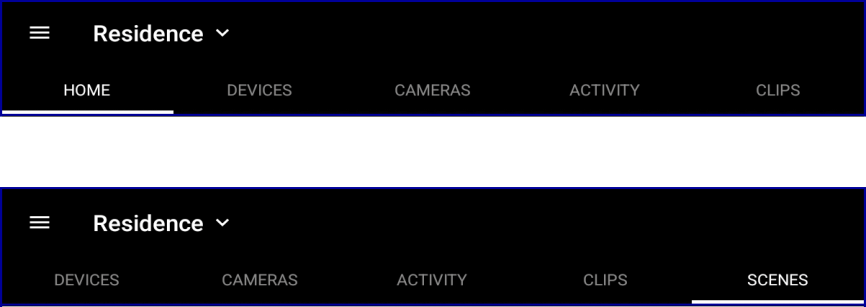
The app's main navigation tool is a horizontal bar near the top of the screen.
Let's say you're looking for the Scenes feature, but it's not visible on the screen. Swipe to the left or right to see all the features on the navigation bar.